Bluehill® Universal Computer Requirements
The following are the minimum computer requirements necessary to install and operate Bluehill® Universal testing software properly on your system. Further requirements depend on add-on devices, such as video extensometers. Contact us for the recommended configuration.
- Intel Pentium (Dual Core or Single Core) Processor with 2 GHz or faster clock speed
- 8 GB RAM (16 GB if using a video extensometer)
- Microsoft® Windows 10 or 11 (64-bit only)
- USB Port (for software installation)
- Hard Drive with 2 GB free space
- Minimum display resolution: 1024 x 768, high color
- 1 unused serial port (for ASMD [spell out or define on first use] only)
- 1 unused Ethernet port (Instron® 3300/5500/5900/3400/6800 only — 2 Ethernet ports if network accessibility is required; USB adapters may be used)
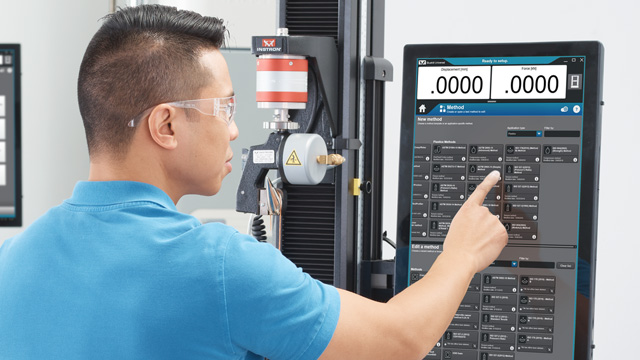
Bluehill Universal is designed for touch interaction; therefore, a touchscreen monitor is recommended for the best user experience.

Talk to an Instron Expert
Not sure if your system meets the requirements for Bluehill Universal, or which configuration fits your add-on devices? Tell us about your setup and we will help you find the right solution.
Talk to an Applications Engineer
Tell us about your testing needs, and we'll help you configure the right frame, load cell, grips, and software for your lab. Please complete the form below, and we'll respond within 1-2 business days. For a faster response, call +1-800-473-7838 or +1 781 828 2500 if you are outside of the US.