

Need Support Now? Contact Technical Support
Instron Connect
Instron Connect combines three support platforms into a single agreement, giving laboratories convenient access to support services, critical documentation, and system resources — helping you maintain compliance, reduce downtime, and optimize testing operations.
Key Benefits of Instron Connect

Enhanced Troubleshooting Capabilities
Quickly resolve issues with the InSkill AI app. Powered by generative AI, InSkill leverages Instron's validated knowledge base to instantly answer questions and provide trusted, expert-informed troubleshooting guidance from a single reliable source.
Industry-Leading Technical Support
Unparalleled support from Instron Technical Support Engineers who understand your lab’s regulatory requirements. Instron Connect users receive priority support, ensuring rapid responses and efficient issue resolution.
Keep Your Lab Audit-Ready
Access calibration certificates, service records, and software updates anytime with Instron Connect. Centralized in a secure portal, your critical documentation is always available to support compliance efforts and maintain audit readiness.
Retrieve Information in Seconds
Instron Connect centralizes your critical documentation in one secure, easy-to-access portal, including calibration certificates, service agreements, service history, and more. Access the information you need, whenever you need it, and stay up to date on your equipment through a single, centralized account.
Instron Connect Features
Beyond the core benefits above, Instron Connect gives your lab hands-on tools for day-to-day work — from pulling records for an audit to catching a potential issue before it causes downtime.
Calibration Certificates
Download calibration certificates from the last 24 months to support audits and ensure regulatory compliance.
Software Updates and Notifications
Download the latest software updates directly from the Instron Connect portal or software. With Connect support, staying up to date is seamless and never disrupts your workflow.
Troubleshooting Tools
Not every issue needs a support call. The InSkill AI Ask feature uses generative AI and Instron's expertise to deliver fast, accurate answers — just ask your question in plain language.
Priority Support Requests
Instron Connect provides direct access to our Technical Support team, giving users the highest priority support for rapid responses and expert assistance. The platform also enables you to submit calibration, on-site service, and spare parts requests in one convenient location.
System Diagnostics
When connected to the internet, Instron Connect software establishes a secure connection between your testing systems and Instron, offering greater visibility into performance and early detection of potential issues to help minimize unexpected downtime.
Service History
Whether preparing for an audit or reviewing performance, Instron Connect gives you easy, on-demand access to complete service records, eliminating the need to search through paper documents.
Ways to Access
Instron Connect Portal
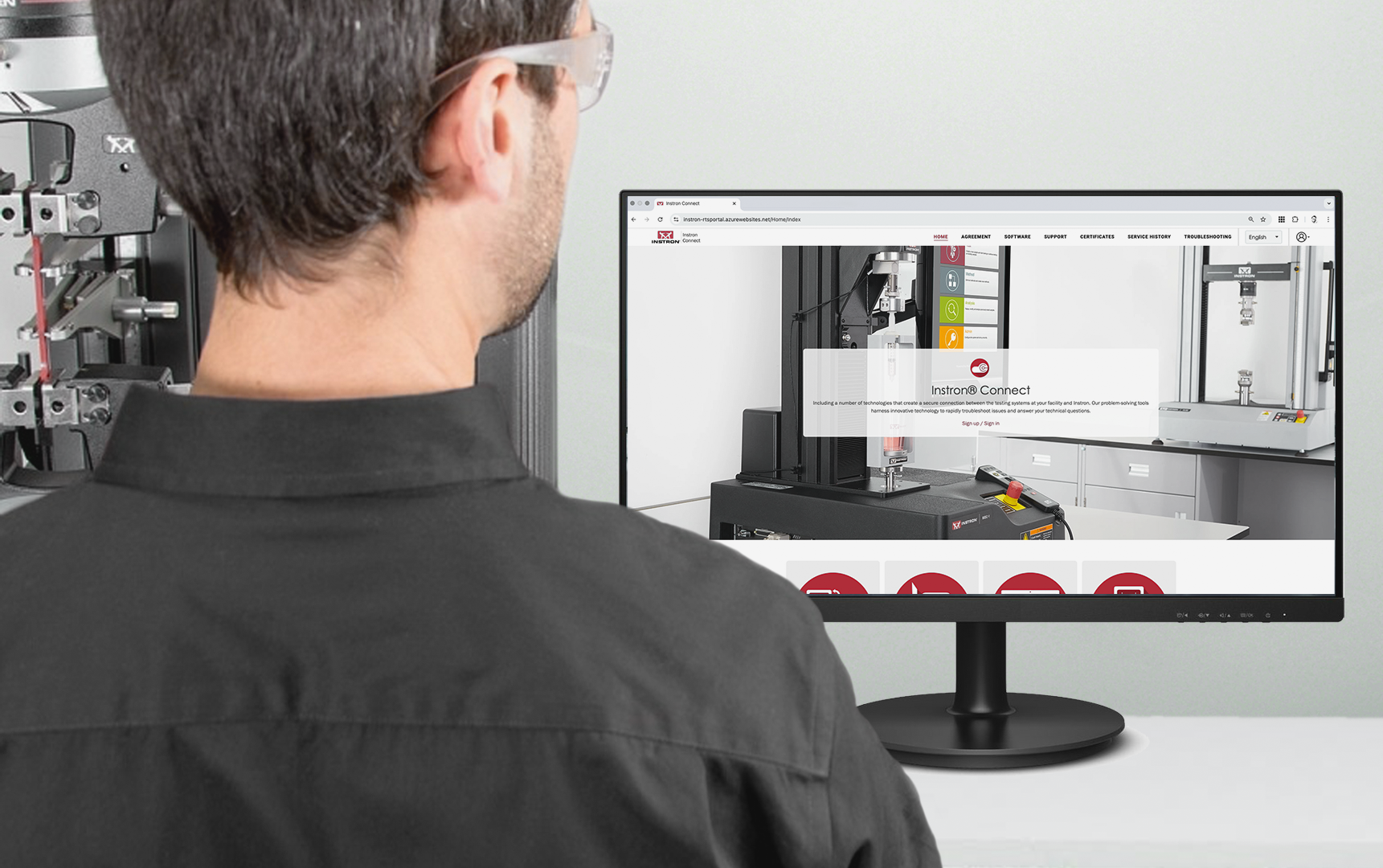
The Instron Connect Portal is a browser-based platform accessible from any device. It centralizes the most commonly used service and support tools in one convenient location, letting you quickly access important documents, track service activities, download software updates, request assistance, and troubleshoot issues — significantly reducing the time spent searching across multiple systems. Access Connect whether you're at your desk, in a meeting, or working across multiple lab locations.
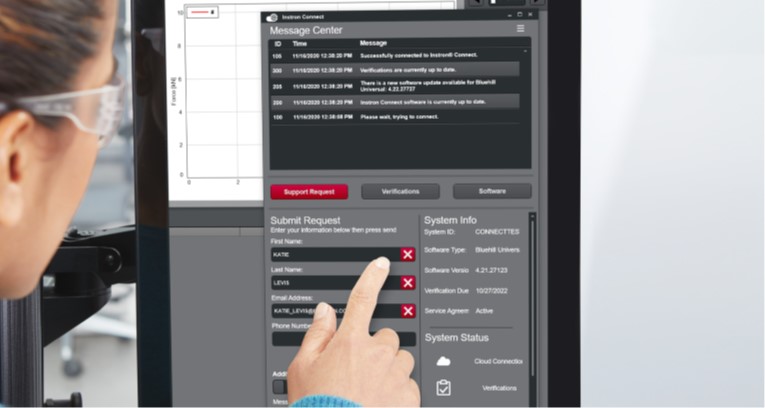
Instron Connect Software
An integrated support tool available through supported Instron operator dashboards or PCs. Use Instron Connect Software to submit technical support or calibration requests, share system information with Instron Technical Support, receive calibration and service reminders, and download available software updates.
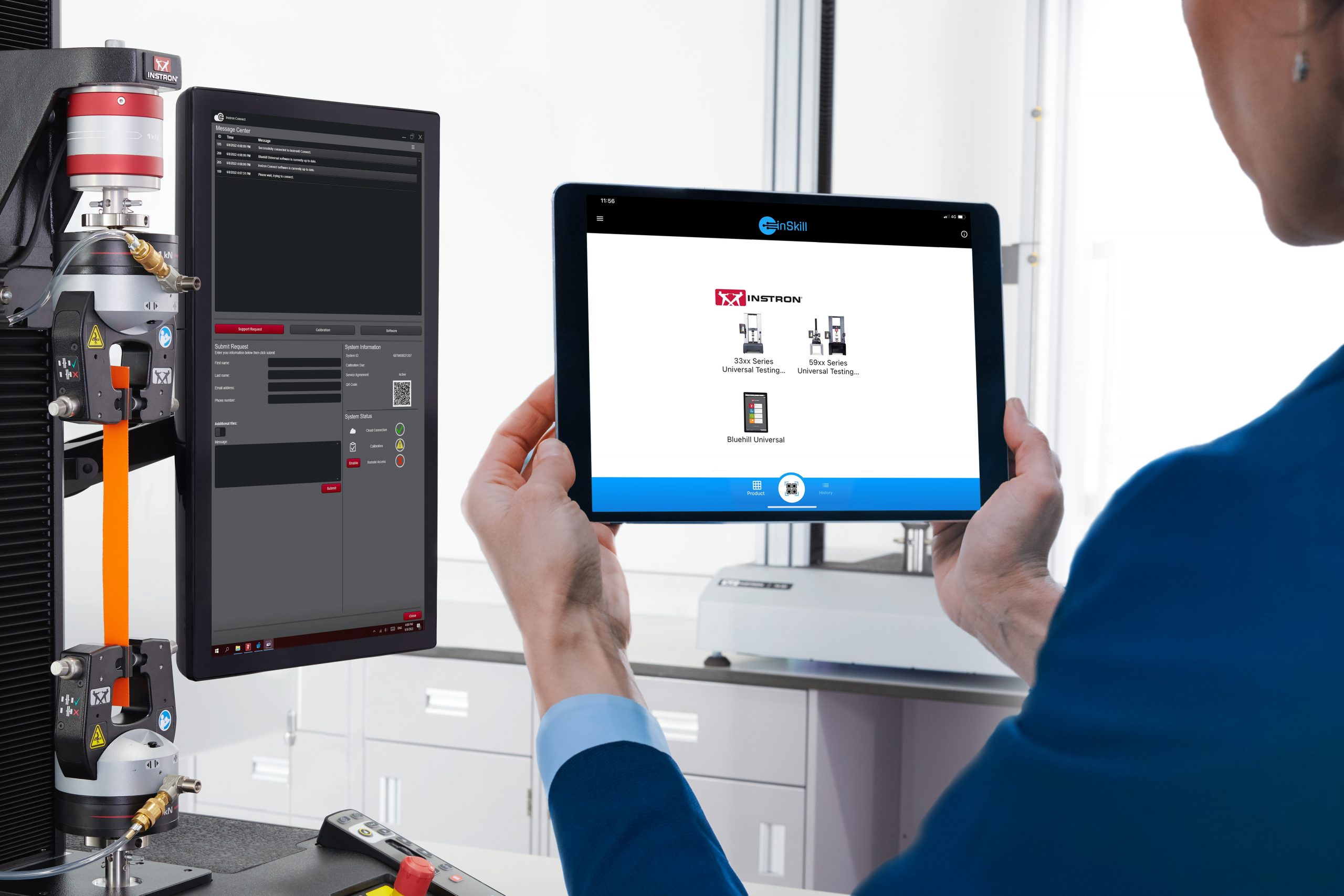
InSkill AI App
Powered by an intuitive AI interface, the InSkill AI app lets you describe an issue in natural language and receive instant, expert-informed guidance. Troubleshoot problems directly at the instrument, without waiting for a support call.