Support Tools for Your Testing System
Find the manual for your testing system, locate its serial number, and get answers to common technical questions without waiting for a call back. If you do need our help, having your model and serial number ready lets our engineers identify your exact configuration and solve the problem faster.

Download operating, installation, and safety manuals for Instron® testing systems, software, and accessories. Search by product or document type to find the right version.
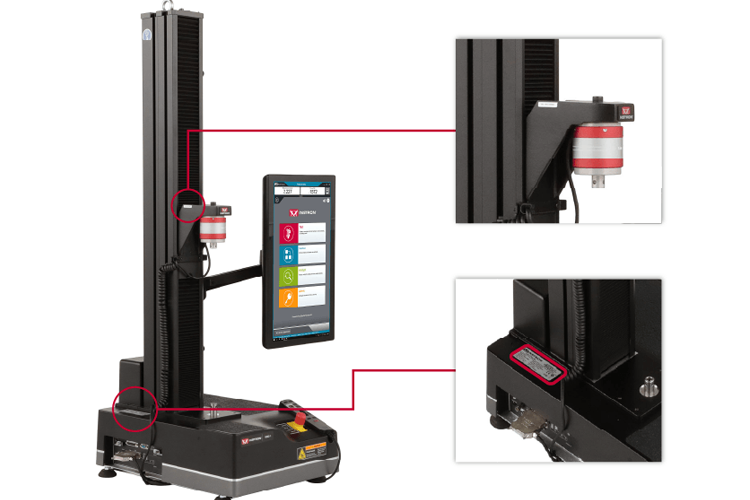
See exactly where the serial number label is on your testing system, model by model. You will need the serial number to request service, parts, or calibration.
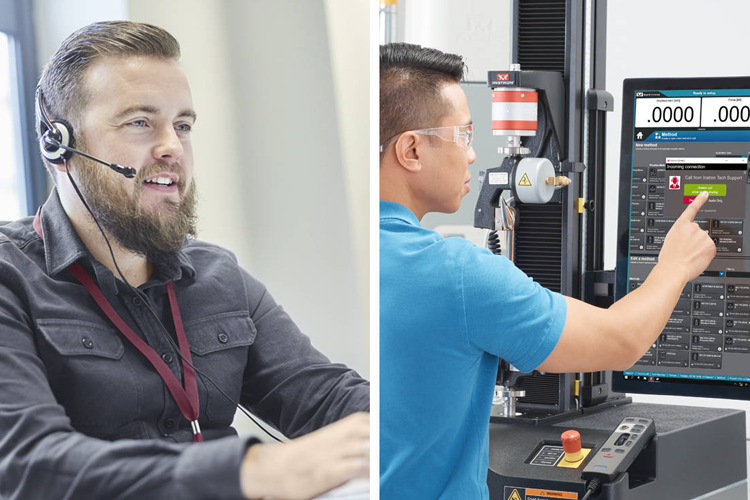
Get answers to common questions about our software, video extensometers, and servohydraulic, impact, and hardness systems. Each FAQ page covers one product family.
Check the support phase of your testing system to see how long parts and service will be available. Plan upgrades and replacements before your system reaches the end of support.
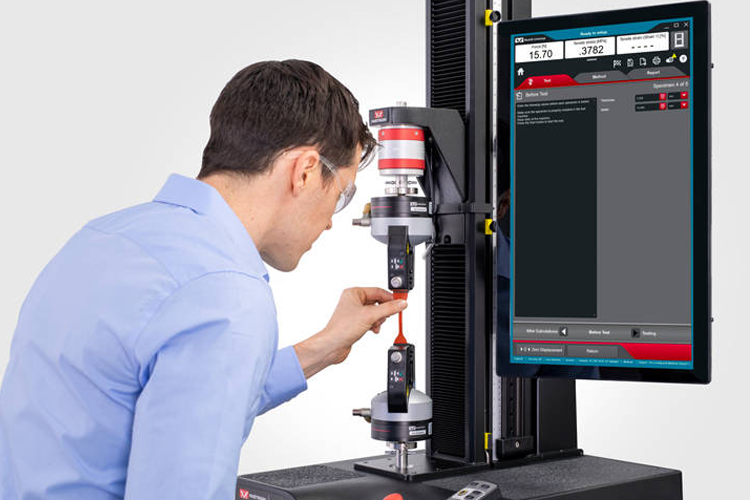
Upgrade your software, controller, or frame to add features and keep an older system supported. An update can extend the life of a system for much less than the cost of a new one.
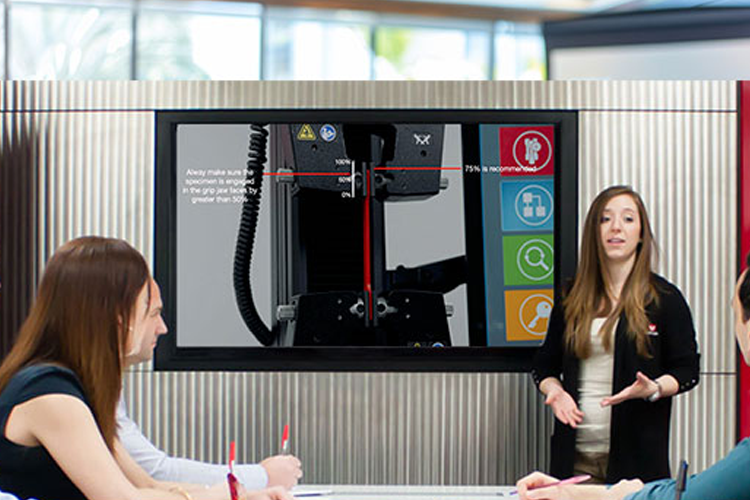
Build your team's skills with classroom, on-site, and online courses on materials testing and our software. Courses run from operator basics to advanced test method development.
Before You Contact Us
Have these details ready when you call, email, or submit a request. They help us find your configuration and send the right engineer and parts the first time.
- Model and serial number of the frame. Use the Serial Number Locator if you cannot find the label.
- Software name and version, for example Bluehill® Universal Software. The version is shown under Help > About.
- Controller and load cell models, if you know them.
- A description of the problem, including any error messages or screenshots, when it started, and what changed before it started.
If your system is connected to the Instron Connect service, our engineers can view your system remotely and often solve the problem without a site visit.

Talk to an Instron Expert
Our service team helps with repairs, parts, calibration, and technical questions for current and out-of-production systems. Tell us your model and serial number, and we will connect you with the right engineer.
Contact Our Service Department.
Please complete the form below and we will be happy to contact you with a response. Our typical response time for an online request is within 1-2 business days.